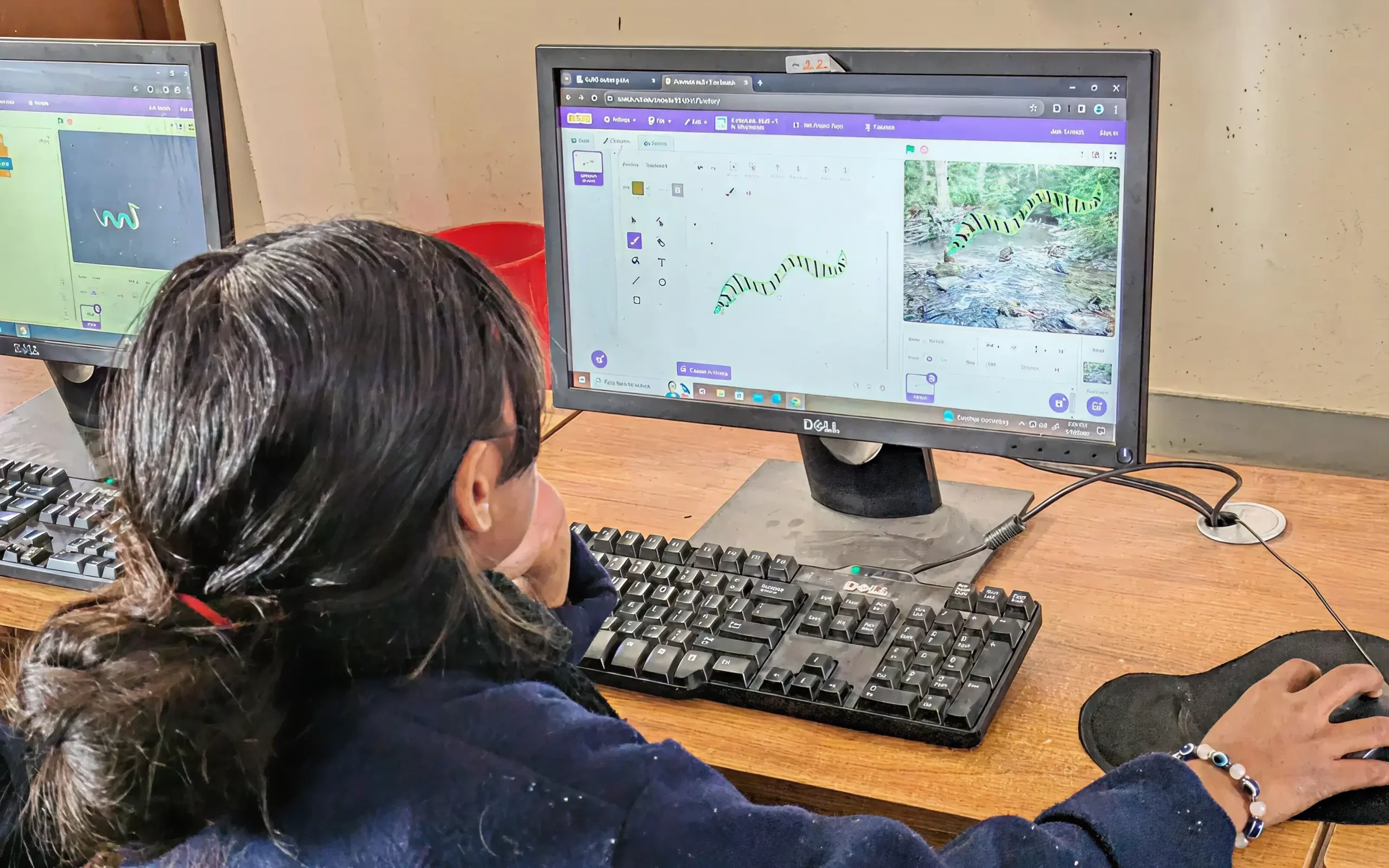
Coding, Design, Engineering and Storytelling (CoDES) is an initiative to make creative coding more accessible and equitable for young children in Nepal; especially those in community and government schools. It does so by integrating coding with children’s local literature.
Featured Projects
Projects under Coding, Design, Engineering & Storytelling(CoDES)
-

Kheldai Sikdai Making Space
A Making Space is a collaborative working environment designed to allow students to transform their ideas into tangible products through… -
Kheldai Sikdai Digital Citizenship
Every child online is a digital citizen, but true digital citizenship means empowering young people to think critically, participate safely,… -
Pariyawaran – Environment Leadership Program
The program is designed to help young people build environmental awareness, leadership skills, and the confidence to take action within…
Learning Resources
Curated Learning Resources from the Kheldai Sikdai Program
-
 Lesson 1
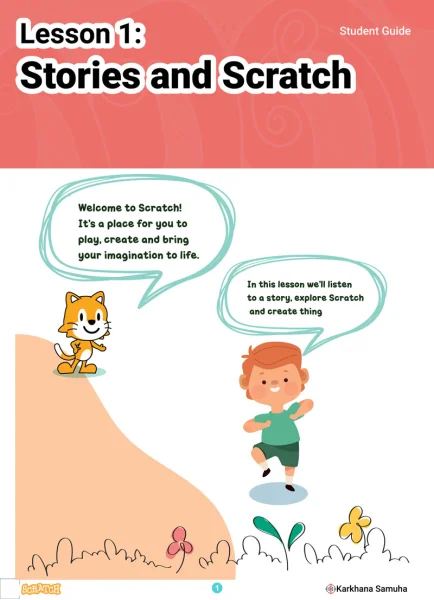
Stories and Scratch
Students listen to a story being read to them and reflect on the elements of a story. They explore Scratch interface and use sprites and backdrops to create scenes from stories. This lesson was created in collaboration with Srijanalaya.Download Resources
-
 Lesson 2
Make Characters Dance
Students use loops and costume blocks to make characters dance. They create dance routines with not just sequential moves but by deliberately selecting moves to repeat.Download Resources
-
 Lesson 3
Make Characters Talk
Students make characters have conversation by timing the wait blocks. They also match the expression and gesture of the characters with the conversation. They also use appropriate sound if possible.Download Resources
-
 Lesson 4
Modify Sprites
Students explore the sprite editor and learn to modify existing sprites. They also learn to create the sprites they need. They work on given challenges to learn the skills and tools.Download Resources
-
 Lesson 5
Make Characters Move
Students create simple animations that require you to make sprites move from one location to another. They use the backpack to get sprites from other Scratch projects.Download Resources
-
 Lesson 6
Make Characters Move II
Students learn to create more complex animations where the characters move their body parts, they make use of graphic effects, and combine elements of speech and sound. They also explore the concept of parallel programming.Download Resources
-
 Lesson 7
Connection of Sprites
Students use broadcast blocks to get sprites to communicate among each other and sync events in the story.Download Resources
-
 Lesson 8
Sensing Things I
Students create interactive stories where the user or viewer has to move the story forward by performing certain actions.Download Resources
-
 Lesson 9
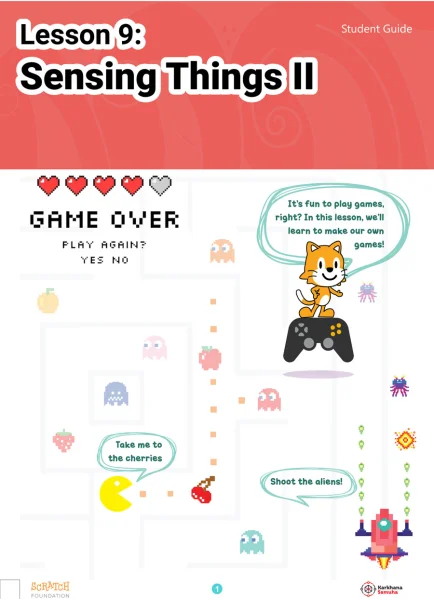
Sensing Things II
Students learn to create simple games using conditional blocks. They make use of if conditions and sensing blocks.Download Resources
-
 Lesson 10
Sensing Things III
Students learn to create more complex games through the use of variables. They learn to add levels and scores.Download Resources
-
Lesson 11
Story Mapping
Students engage with a story mapping activity and delve deep into a story. They create a story based on the given prompts and use Scratch to express the story through animation, storytelling or games. This lesson was created in collaboration with Srijanalaya.Download Resources
-
Lesson 12
Final Project
The remaining classes in this course will be for students to build their projects based on the story they created and mapped in today’s lesson.